Fast answer
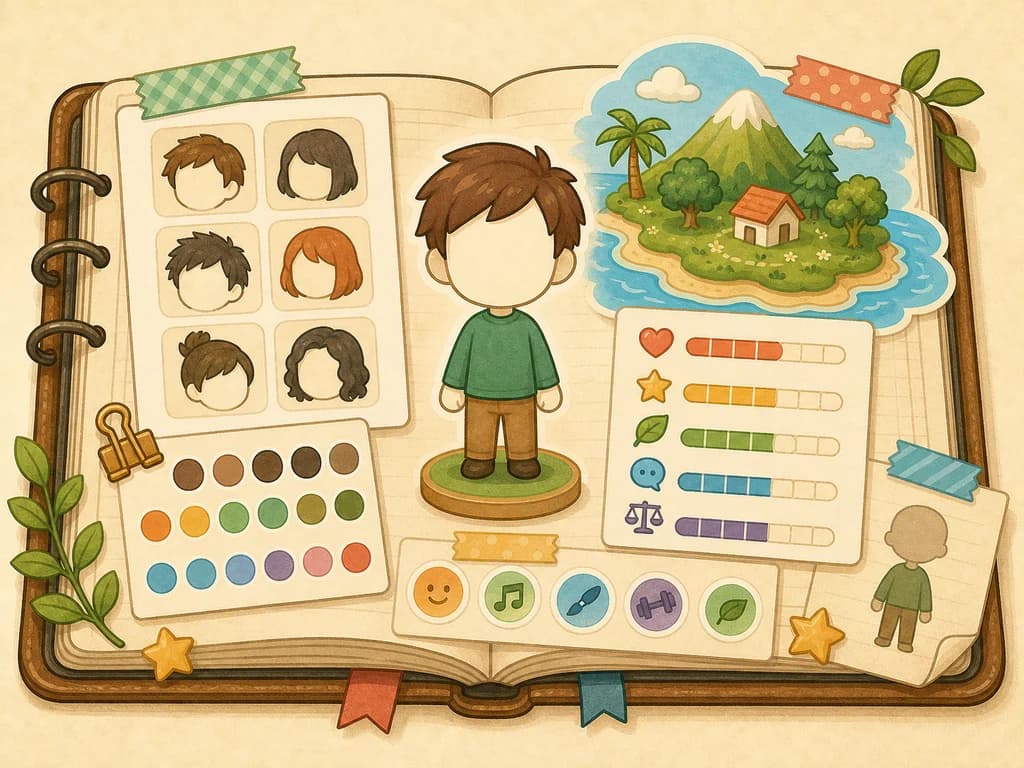
Use From Scratch when a resident matters and you want direct control. Use Get Help when you want a quick resident from simple questions. Use local wireless exchange only when you are near another player and want to share Mii or Palette House creations.
For your first island, create three to five residents instead of rushing toward the 70-Mii limit. That gives you enough social variety to see meetings, preferences, and early relationship prompts without losing track of who is who.
| Player need | Best choice | Why |
|---|---|---|
| I want a careful self, family, or friend Mii | From Scratch | Manual setup is better for residents you will recognize every day. |
| I want filler residents quickly | Get Help | Simple questions are faster when the exact face is less important. |
| I already have console Miis | Use the console Mii face as a base | Nintendo Support says the game can create new residents based on faces registered on your console. |
| I want to share nearby | Local wireless exchange | Nintendo Store says Mii and Palette House creations can be exchanged with a friend's nearby system. |
| I am still deciding whether to buy | Free demo | Nintendo says the demo lets you create up to three Mii characters and carry save data into the full game. |
First island roster planner
This is the practical part most generic Mii guides miss. The first residents should make the island readable: different names, different looks, different dating preferences, and different roles in your own head. That makes later relationship and gift choices easier to understand.
| Slot | Who to create | Setup tip | Why it helps |
|---|---|---|---|
| 1 | Yourself or main avatar | Use From Scratch and double-check gender and dating preferences. | This is the resident you will recognize most often. |
| 2 | A close friend or family member | Make the face and name easy to distinguish from slot 1. | Early social events are easier to follow. |
| 3 | A deliberately different character idea | Change voice, style, and profile choices so they do not blend in. | The demo allows three Miis, so use the third slot as a contrast test. |
| 4 | A wildcard original character | Add only after you know the daily routine feels good. | Prevents your island from becoming too samey. |
| 5 | A relationship test resident | Set dating preferences intentionally, then watch whether social prompts become interesting. | Useful before expanding toward 10+ residents. |
Step-by-step Mii creation
Follow this order for any resident you care about. It is slower than rushing through the editor, but it prevents the common mistakes that make early islands confusing.
- Choose From Scratch for a high-importance resident, or Get Help for a quick resident.
- If you are using an existing console Mii face, remember that this creates a new in-game resident rather than a portable Mii you can export later.
- Give the resident a name you can recognize quickly in speech bubbles and relationship prompts.
- Select a gender option: Male, Female, or Non-Binary, as listed by Nintendo Support.
- Set dating preferences intentionally because Nintendo Support says those choices affect who Miis may fall in love with.
- Make the face, voice, and profile feel distinct enough that you can recognize the resident without rereading the name.
- Save the Mii, then observe early reactions before adding a large batch of new residents.
Import and transfer limits
This is the biggest source of wrong expectations. Nintendo Support says you can create new residents based on faces of Miis registered on your Nintendo Switch or Nintendo Switch 2 console. It also says you cannot directly import Miis from other software such as Miitopia.
The direction matters: console Mii face into Tomodachi Life is supported as a base for a new resident, but Mii data created inside Tomodachi Life: Living the Dream cannot be transferred out to the console or to other games.
| Action | Supported? | Practical meaning |
|---|---|---|
| Base a resident on a console Mii face | Yes | Good for recreating familiar faces inside the game. |
| Directly import from Miitopia | No | Do not buy expecting a Miitopia-to-Tomodachi transfer workflow. |
| Export a Tomodachi-made Mii to console settings | No | Build important residents with the assumption they stay in this game. |
| Exchange nearby with a friend | Yes, via local wireless for supported creations | Useful for local sharing, not internet-wide importing. |
Demo to full roster plan
The demo's three-Mii limit is useful if you treat it as a test set. Build three residents that teach you something different, then expand only after the full game and save transfer are confirmed.
| Stage | Roster target | What to learn before adding more |
|---|---|---|
| Demo | 3 Miis | Whether you like the editor, voices, profiles, and early island rhythm. |
| First full-game session | 5-8 Miis | Which residents are easy to recognize and which preferences create useful social variety. |
| Early island growth | 10-20 Miis | Whether you can track likes, dislikes, friendships, and dating prompts without confusion. |
| Large island | 20+ Miis | Whether your naming, profile, and relationship notes are clear enough to keep the island readable. |
| Completionist cap | Up to 70 Miis | Only expand toward the official cap when the routine is still fun and manageable. |
Resident profile worksheet
Use this worksheet for every resident you expect to keep. It creates a small paper trail for choices the game may use later, without pretending there is a hidden official formula for personality or romance.
| Field | Write down | Why it matters |
|---|---|---|
| Role | Self, family, friend, original, or test resident. | A clear role helps you decide how much time to spend in From Scratch. |
| Visual hook | One face, hair, outfit, or voice detail you will recognize fast. | Readable residents reduce confusion once speech bubbles and social prompts stack up. |
| Dating preference | Male, Female, Non-Binary, multiple choices, or none. | Nintendo Support says preferences affect who Miis may fall in love with. |
| Relationship intent | Friendship only, possible romance, family joke, or chaos wildcard. | This keeps later pairing decisions from feeling random. |
| Expansion note | Keep, edit future residents around them, or retire the idea. | A small note prevents filling the island with residents who all serve the same purpose. |
Expansion audit before adding more Miis
Before you grow from a small island to a large cast, run this audit. It is the difference between a fun 70-Mii ceiling and an unreadable crowd.
| Audit question | Pass condition | If not, do this first |
|---|---|---|
| Can you identify every current resident without rereading names? | Yes, each has a distinct look, voice, or role. | Make the next residents visually louder and slow down expansion. |
| Do your dating preferences support the pairings you actually want to watch? | Yes, key residents have intentional preference settings. | Review preferences before adding relationship-focused residents. |
| Do you have enough non-romance personalities? | Yes, not every resident exists only for a pairing. | Add friendship, family, joke, or original-character roles. |
| Are you using the correct system user? | Yes, the island belongs to the profile you intend to keep. | Stop and switch profiles before investing in a larger roster. |
| Do you still enjoy the daily routine? | Yes, visits, gifts, and reactions are still readable. | Stay near 5-8 residents until the routine feels natural. |
Troubleshooting Mii setup
Use this when a Mii creation plan feels stuck. The safest fix is usually to correct the setup expectation, not to chase an unsupported transfer path.
| Problem | Likely cause | Best fix |
|---|---|---|
| I cannot import from Miitopia | Nintendo Support says direct import from other software such as Miitopia is not supported. | Recreate the resident with From Scratch, Get Help, or a console Mii face. |
| My residents feel too similar | Faces, names, voices, or profiles were not distinct enough. | Edit future residents with clearer visual and profile contrast. |
| Romance is not appearing as expected | Dating preferences or gender settings may not allow the pairing you imagined. | Review the relationship guide and check each Mii's preferences. |
| I started on the wrong profile | Each system user has one separate save file. | Use the correct system user before investing in a large roster. |
| I want to reuse Tomodachi-made Miis elsewhere | Nintendo Support says in-game Mii data cannot be transferred to console or other software. | Treat Tomodachi-made residents as game-local characters. |
Mii limits and best practices
The maximum number of Miis per island is 70. Each system user has a separate island and one save file, so the practical limit and progress belong to that profile.
Do not treat 70 as a day-one goal. A smaller cast makes it easier to learn likes, dislikes, friendships, and dating outcomes before the island gets noisy.
| Island size | Best use | Risk |
|---|---|---|
| 3 Miis | Demo testing and core creation practice. | Too small to judge a full island. |
| 5-8 Miis | Best early full-game size. | Enough activity without losing track. |
| 10-20 Miis | Good after you understand gifts and relationships. | Needs better notes and clearer resident variety. |
| 70 Miis | Completionist island building. | Hard to manage if you add residents before learning the routine. |
FAQ
How do I create a Mii?
Use From Scratch for direct control, Get Help for a guided quick route, or a console Mii face as a base for a new in-game resident.
Can Miis be Non-Binary?
Yes. Nintendo Support lists Male, Female, and Non-Binary as Mii gender options.
How many Miis can I register?
Nintendo Support says a player can register up to 70 Miis on their island.
Can I import Miis from Miitopia?
No. Nintendo Support says you cannot directly import Miis from other software such as Miitopia.
Can I transfer a Tomodachi-made Mii to another game?
No. Nintendo Support says Mii data created in Tomodachi Life: Living the Dream cannot be transferred to the console or other software such as Miitopia.
How many Miis should I create first?
Start with three to five residents. That is enough to see early social behavior while keeping names, preferences, and relationships easy to track.
Do gender and dating preferences change the story?
Nintendo Support says the game system and story content do not change based on gender selections, but dating preferences affect who Miis may fall in love with.
What three Miis should I make in the demo?
Make one main avatar, one familiar person, and one deliberately different original character. That tests the editor, recognition, voice/profile contrast, and early social rhythm within the demo limit.
What should I do if a Mii setup choice feels wrong?
Slow down before expanding the roster. Check the correct system user, gender and dating preferences, name readability, and whether you used From Scratch, Get Help, or a console Mii face for the right reason.
Should I fill all 70 Mii slots quickly?
No. Nintendo Support confirms the 70-Mii limit, but a smaller early cast is easier to understand. Expand only after you can track likes, dislikes, friendships, and relationship prompts.
What should I write down for each important Mii?
Write down their role, visual hook, dating preference, relationship intent, and whether the idea should guide future roster expansion.
When should I add more residents?
Add more residents after you can recognize the current cast quickly, understand their preference settings, and still enjoy the daily routine without losing track of relationships.
Reference notes
Source links for the facts used on this page.